
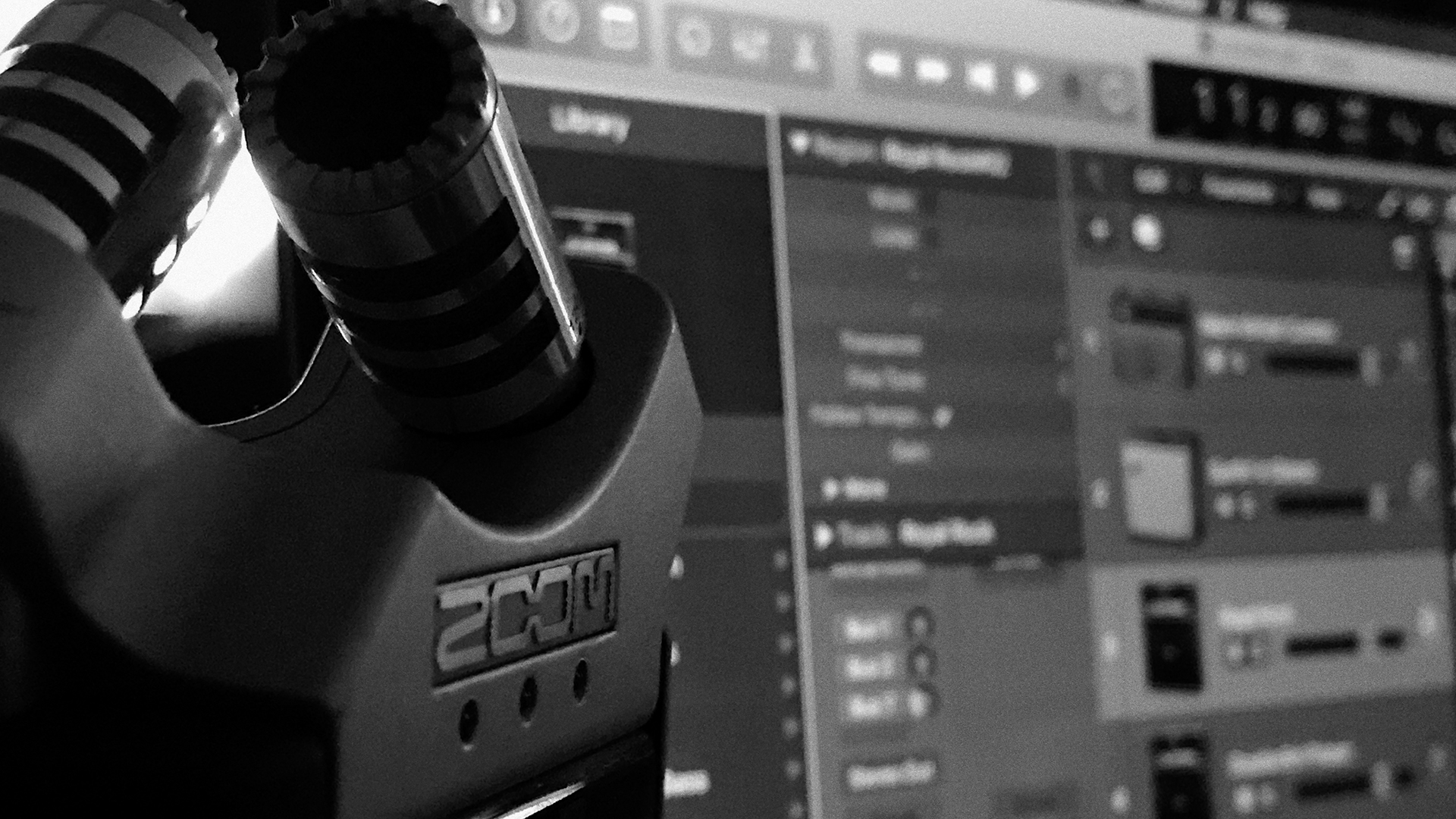
This post explains a few things about that aren’t that apparent, at first glance, if you want to use Zoom’s H4n and H6 as an external sound card with Logic Pro X.
Let’s start with the H4n: the only thing you need to know is that as an USB sound card this recorder samples at no more than 16/44,1. Thus, if your idea is an HD recording handled by Logic Pro X, Reaper or whatever DAW you might think of, just forget about the H4n.
Enter the H6: to use it as a sound card that records at 24/96 you must:
- mount one mic capsule on the H6 front socket,
- stick jack into the Input 1 socket (the first on the left, facing the recorder) connected to your instrument
- power on the device and select the appropriate options from the main menu,
- select the “multi track” option in the Audio Interface menu,
- start a new Logic Pro X project
- setting the H6 as the input source
NOW PAY ATTENTION
Logic Pro X sees the stereo channels of the mic as “input 1” and “input 2”. This means that what the Zoom H6 calls “Input 1” becomes, in Logic, “Input 3”. This explains why, if you tell Logic to record what comes from “Input 1” there is no recording even though the H6 shows the presence of the sound: Logic is listening at the wrong port.