
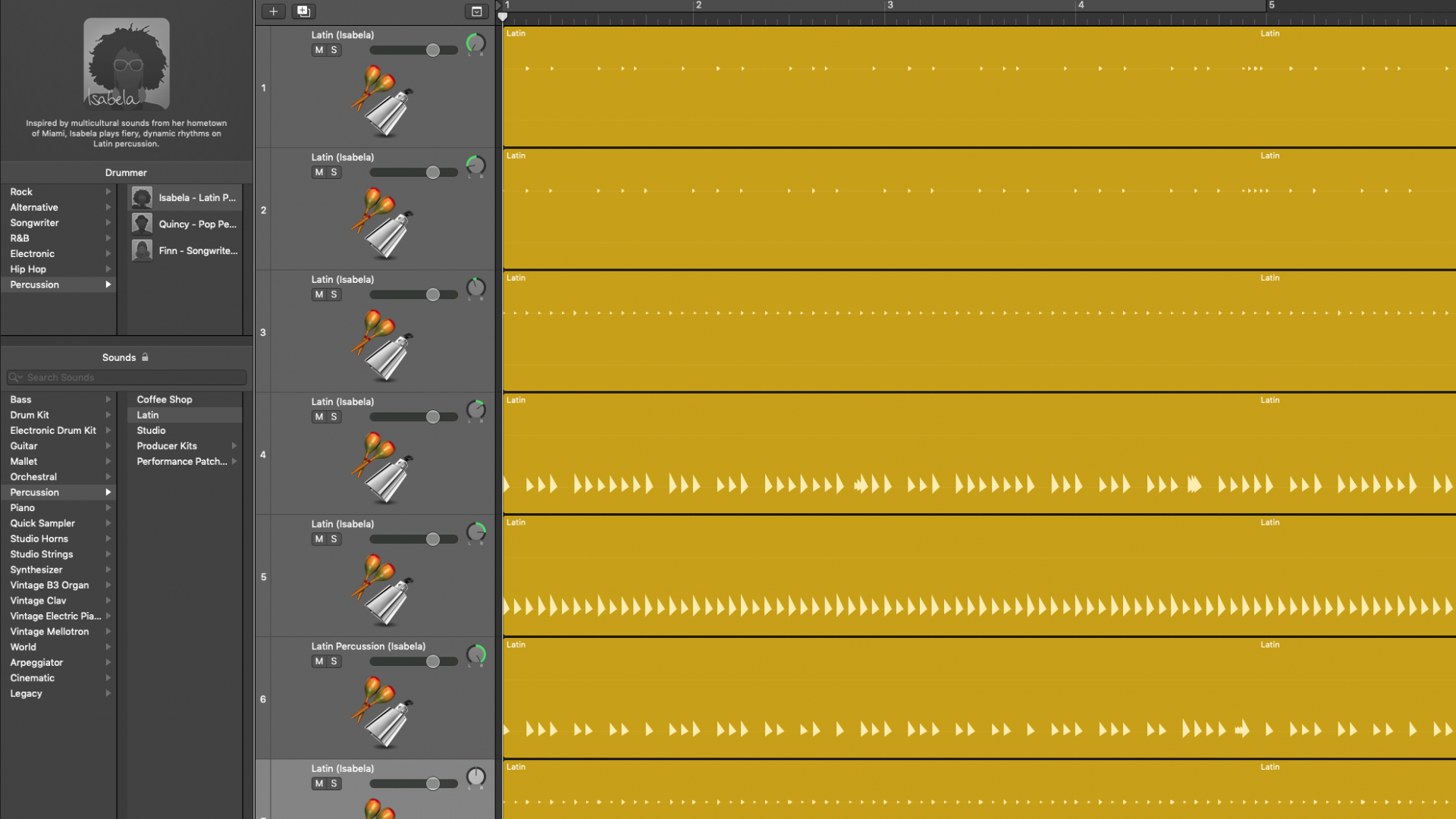
Using Logic Pro X Drummer in the default way means having all the instruments already placed in the stereo field. This can be a problem in the mixing phase because there is no control over the stereo placement of the drums/percussion. To overcome this issue it is possible to follow this hint but splitting the one-track-instruments into individual tracks is a more suitable option to have better control on the final result.
This is a quick-n-dirty panpot, working as a proof-of-concept. The result is not particularly striking, nonetheless it gives a rough idea of how the overall sound changes.
This track is the “global” one: all the instruments are placed in the stereo field according to Logic:
The second track is the very same, but with all the instruments assigned to their own track, with an individual panpot each.