
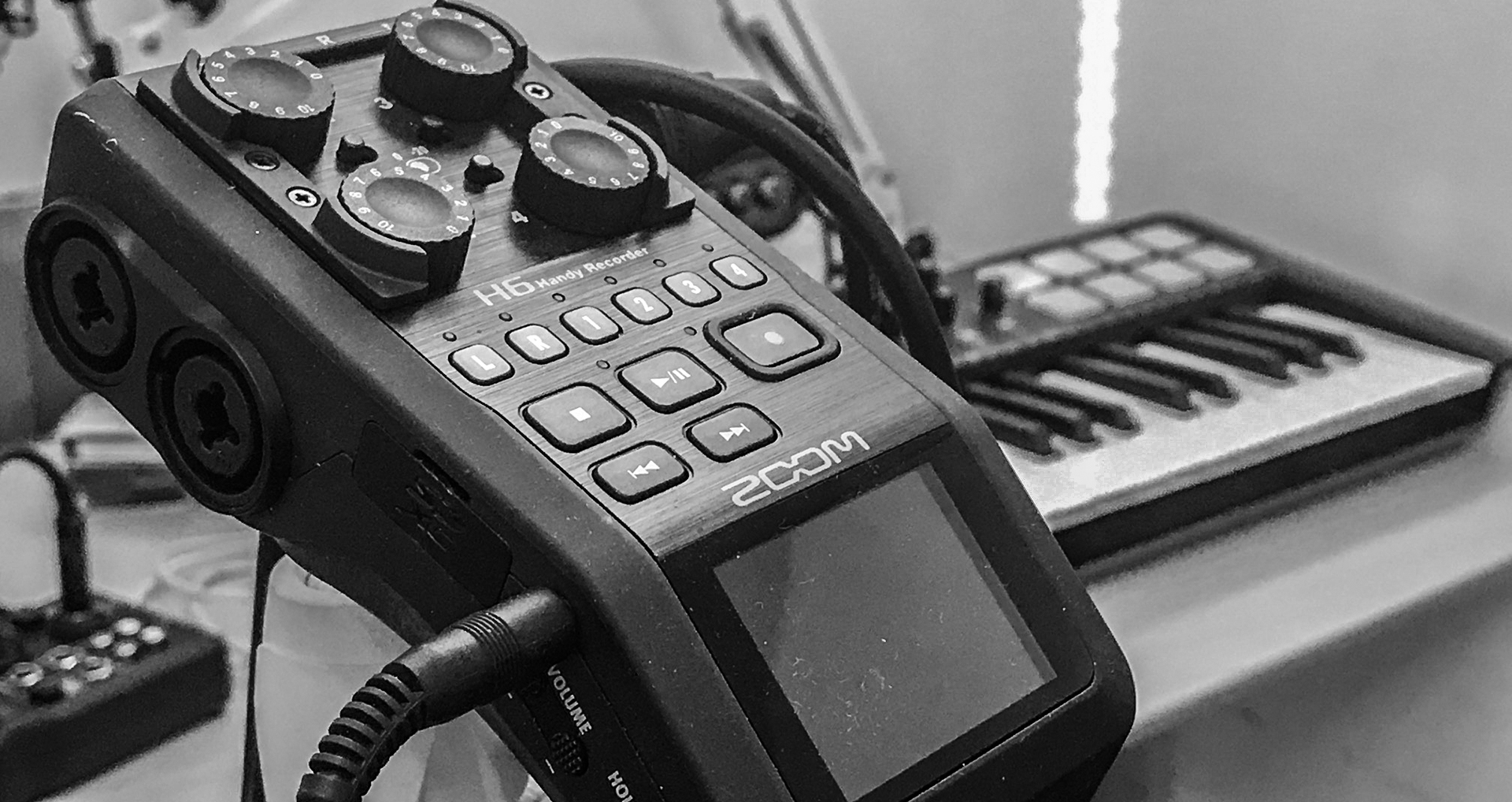
Zoom H6 is a very capable multi-track recorder, but its interface is not exactly friendly one and the user manual doesn’t always explain how to handle a specific feature.
Overdubbing is one of these cases.
In this video from Zoom SoundLabs, the procedure looks pretty straightforward: firstly record a track, secondly enable the overdub mode (an option of the main Project menu), thirdly arm the second track and hit the red “record” button. Problem is, it doesn’t work at all because when you arm the track to be played along with the one that has already been recorded, the microphone gets no sound.
After having wasted a whole recording session trying to figure out what might have been the problem, finally the solution came from this video published in the homebrewmusic Youtube channel:
In short: once the “overdub” feature is active, the screen shows a mixer. At the top of the mixer, under the digits, there is a “banner” with two arrows at the extreme left and right. By moving the small leverage on the side of the H6, close to the “menu” button, is it possible to switch on phantom power and have the microphone work again.
Yes: the problem was that in the Overdub mode, phantom power is automatically shut down and must be manually taken back.
Not a big deal if you know what to do, a pain in the neck if nobody, even the “F” manual, tell you so.